React Native
React Native
WhatsApp Cloud API Send Message
See more WhatsApp Examples
Demonstrates how to send a message using the WhatsApp Cloud API (Business App)Chilkat React Native Downloads
import { Http, HttpResponse, JsonObject } from '@chilkat/react-native'
async function chilkatExample() {
// This example requires the Chilkat API to have been previously unlocked.
// See Global Unlock Sample for sample code.
const http = new Http();
// The following JSON is sent in the request body.
// {
// "messaging_product": "whatsapp",
// "to": "16302581871",
// "type": "template",
// "template": {
// "name": "hello_world",
// "language": {
// "code": "en_US"
// }
// }
// }
const json = new JsonObject();
json.updateString('messaging_product', 'whatsapp');
json.updateString('to', '15555555555');
json.updateString('type', 'template');
json.updateString('template.name', 'hello_world');
json.updateString('template.language.code', 'en_US');
http.authToken = 'EAANrS5....yFB9Ma';
http.setRequestHeader('Content-Type', 'application/json');
const resp = new HttpResponse();
try {
await http.httpJsonAsync('POST', 'https://graph.facebook.com/v18.0/111111111111111/messages', json, 'application/json', resp);
} catch {
console.log(http.lastErrorText);
return;
}
console.log(resp.statusCode);
console.log(resp.bodyStr);
// Here's a screenshot of our WhatsApp test app.
// 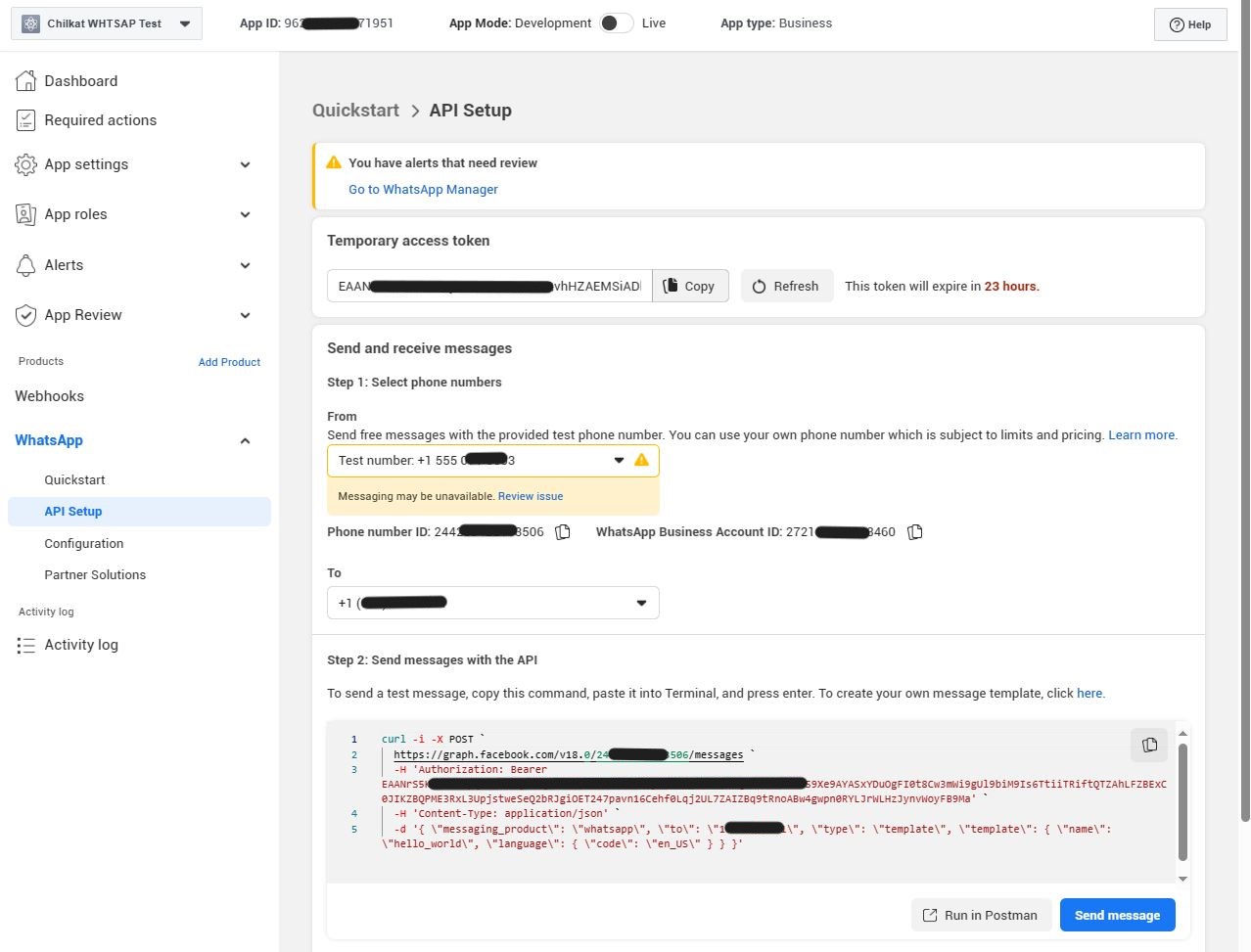 }
}