PowerShell Requires Chilkat v11.2.0+
PowerShell
Markdown to HTML - Full Document, Raw
See more Markdown Examples
Demonstrates how to convert a complete Markdown document to HTML using theraw theme. With the raw theme, only the HTML elements are generated, excluding:
- Document Type Declaration (e.g. <!DOCTYPE html>)
- Root Element (e.g., <html> )
- Head Section
- Enclosing <body> and </body> elements
- Closing </html> element
Chilkat PowerShell Downloads
Add-Type -Path "C:\chilkat\ChilkatDotNet47-x64\ChilkatDotNet47.dll"
$success = $false
$options = New-Object Chilkat.JsonObject
$options.UpdateString("theme","raw")
$sbMarkdown = New-Object Chilkat.StringBuilder
$sbHtml = New-Object Chilkat.StringBuilder
$success = $sbMarkdown.LoadFile("qa_data/markdown/test1.md","utf-8")
if ($success -eq $false) {
$($sbMarkdown.LastErrorText)
exit
}
$sbMarkdown.MarkdownToHtml($options,$sbHtml)
$sbHtml.ToCRLF()
$($sbHtml.GetAsString())
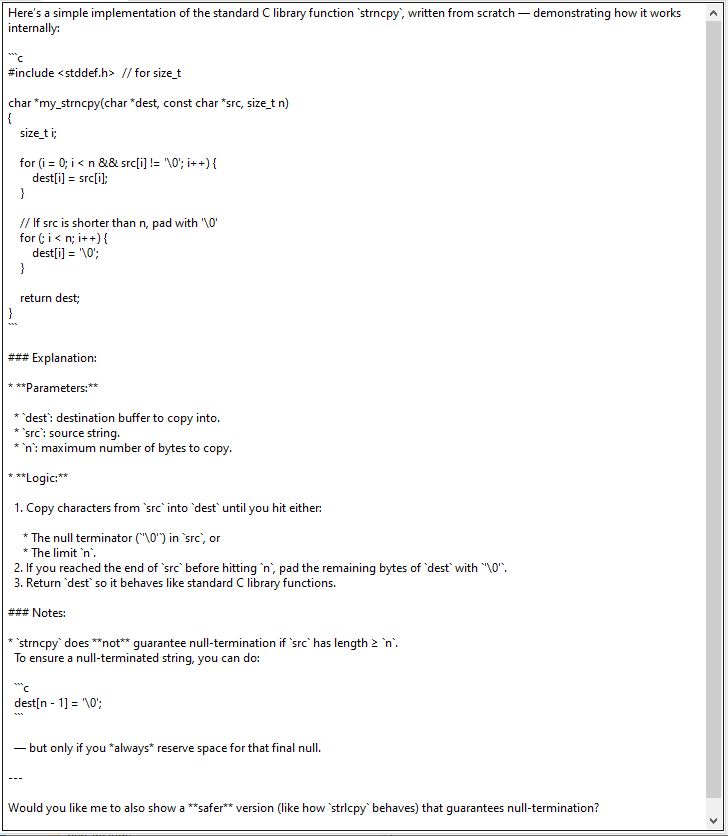
# Sample markdown input:
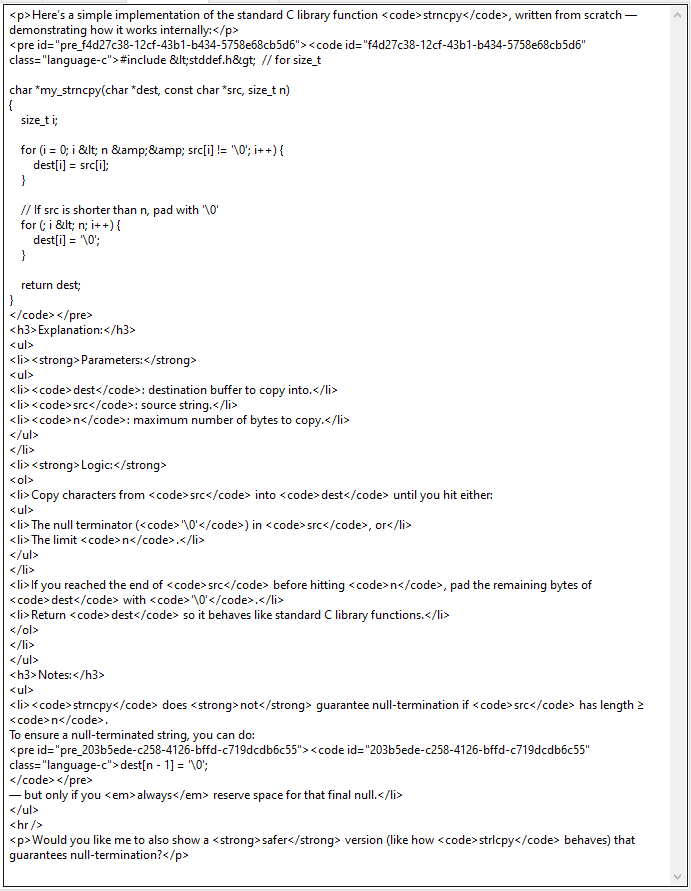
# (See sample HTML output below.)
#  # Sample HTML output:
#
# Sample HTML output:
#