Objective-C
Objective-C
WhatsApp Cloud API Send Message
See more WhatsApp Examples
Demonstrates how to send a message using the WhatsApp Cloud API (Business App)Chilkat Objective-C Downloads
#import <CkoHttp.h>
#import <CkoJsonObject.h>
#import <CkoHttpResponse.h>

BOOL success = NO;

//  This example requires the Chilkat API to have been previously unlocked.
//  See Global Unlock Sample for sample code.

CkoHttp *http = [[CkoHttp alloc] init];

//  The following JSON is sent in the request body.

//  {
//    "messaging_product": "whatsapp",
//    "to": "16302581871",
//    "type": "template",
//    "template": {
//      "name": "hello_world",
//      "language": {
//        "code": "en_US"
//      }
//    }
//  }

CkoJsonObject *json = [[CkoJsonObject alloc] init];
[json UpdateString: @"messaging_product" value: @"whatsapp"];
[json UpdateString: @"to" value: @"15555555555"];
[json UpdateString: @"type" value: @"template"];
[json UpdateString: @"template.name" value: @"hello_world"];
[json UpdateString: @"template.language.code" value: @"en_US"];

http.AuthToken = @"EAANrS5....yFB9Ma";
[http SetRequestHeader: @"Content-Type" value: @"application/json"];

CkoHttpResponse *resp = [[CkoHttpResponse alloc] init];
success = [http HttpJson: @"POST" url: @"https://graph.facebook.com/v18.0/111111111111111/messages" json: json contentType: @"application/json" response: resp];
if (success == NO) {
    NSLog(@"%@",http.LastErrorText);
    return;
}

NSLog(@"%d",[resp.StatusCode intValue]);
NSLog(@"%@",resp.BodyStr);

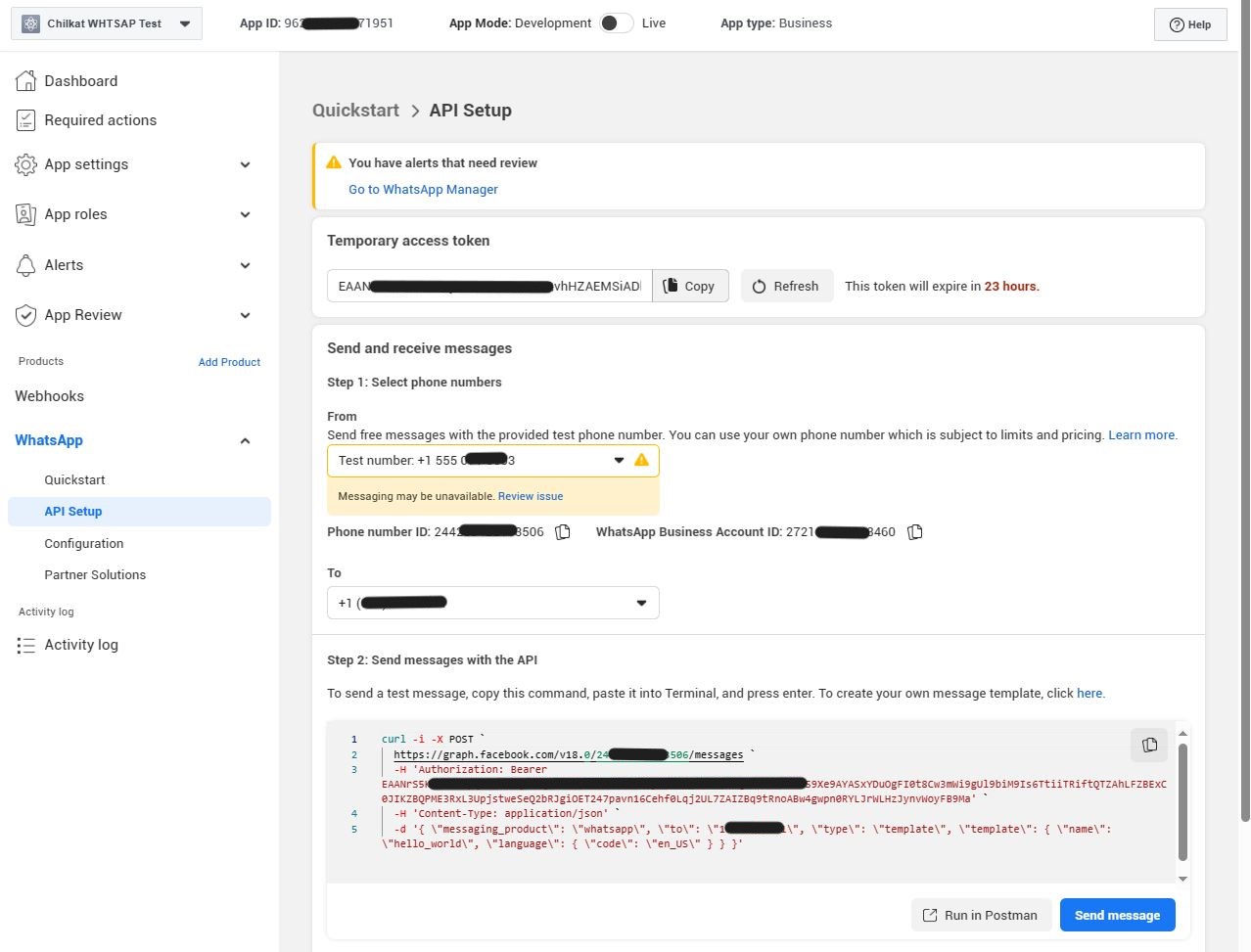
//  Here's a screenshot of our WhatsApp test app.

//